
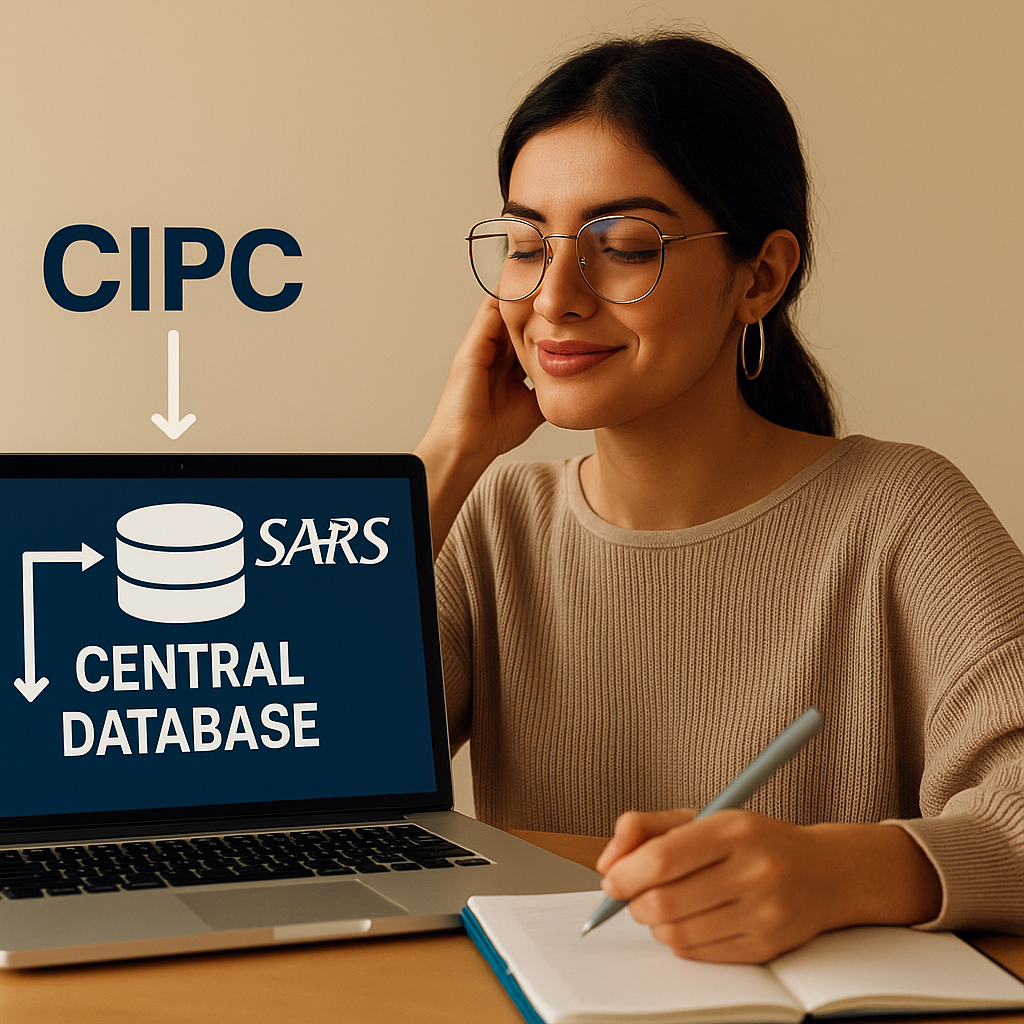
So, you’re thinking of starting a business in South Africa? Awesome! It involves a few official steps, but don’t worry, it’s pretty straightforward if you go about it in the right order. Let’s break down what you need to do, from getting registered with CIPC to sorting out your taxes and getting on the Central Supplier Database.
1. Get Registered on the CIPC eServices Portal
First stop: the Companies and Intellectual Property Commission (CIPC). They handle all the company registrations, name reservations, and making sure you’re compliant with the rules.
- Step 1.1 – Create Your CIPC eServices Profile Head over to: https://eservices.cipc.co.za You’ll need to register as a customer on their platform. They’ll ask for your ID/passport number, your contact details, and you’ll create a password. Once you’re signed up, you’ll get a customer code. Keep this safe – you’ll need it for all your dealings with CIPC, including making payments.
- Step 1.2 – Reserve Your Company Name You can’t register your business without a name! On the eServices portal, find the “Name Reservation” section. You can put in up to four name choices. CIPC will check if your favorite name is free or if someone else already has it. If your name gets the thumbs up, you’ll receive a COR9.4 confirmation. Just a heads-up, name reservations last for six months. Quick Tip: You can actually register your company without a name initially (it’ll just use the company registration number as the name), and then change it later on.
- Step 1.3 – Register Your Company With your name all set, go back to eServices and choose “Register a New Company.” Most businesses opt for a Private Company (Pty) Ltd. You’ll need to provide the following details:
- Your registered office address
- Details for each director (name, ID number, contact information)
- Your name reservation confirmation (COR9.4)
- Copies of certified IDs for all the directors
- COR14.3 (Registration Certificate)
- COR14.1 (Notice of Incorporation)
- COR15.1A (Memorandum of Incorporation)
- Income tax (with SARS)
- UIF (with the Department of Labour)
2. Register with SARS for eFiling and Tax Stuff
After you’re registered with CIPC, you need to get your SARS eFiling account sorted and apply for a tax compliance certificate.
- Step 2.1 – Set Up Your eFiling Profile Go to: https://www.sarsefiling.co.za Register as a business representative. Use your company registration number and the income tax number SARS gave you (you should receive this by SMS or email soon after registering with CIPC). You’ll also need your company’s bank details and the directors’ information. Once you’re registered, link your company’s tax profile to your personal eFiling account (or your tax practitioner’s account).
- Step 2.2 – Get Your Tax Compliance Certificate (TCC) On eFiling, go to “SARS Compliance Status” → “My Compliance Profile.” Submit a request for a Tax Compliance Status (TCS). To get approved, you need to be current with:
- Your tax returns
- PAYE (if you employ people)
- Provisional tax
- No outstanding tax debt
3. Register on the Central Supplier Database (CSD)
If you want to work with the government, you have to register on the Central Supplier Database (CSD), which is run by the National Treasury.
- Step 3.1 – Create a CSD Profile Go to: https://secure.csd.gov.za Create an account and register your company profile. You’ll need to submit:
- Your company registration number
- Your Tax Compliance Pin (from SARS)
- Your banking details (verified with a stamped letter from the bank)
- Copies of the directors’ IDs and their contact details
- A BEE certificate (if you have one, otherwise a BEE affidavit)
- CIPC information
- SARS tax compliance
- Bank account details
- BEE status
4. Get Any Industry-Specific Certificates You Need
Depending on what kind of business you’re starting, you might need some extra certificates or licenses. Here are a couple of examples:
- Construction:
- CIDB (Construction Industry Development Board) registration
- NHBRC (National Home Builders Registration Council) if you’re building houses
- Agriculture:
- Licenses from the Department of Agriculture
- Export permits if you’re selling goods outside of South Africa
- Retail or Food:
- You’ll need a health certificate from your local municipality and a trading license, also from the municipality.
- Financial Services:
- If you’re offering credit, loans, or insurance, you’ll need to register with the FSCA. You’ll also need to comply with FICA regulations when handling client finances.
- Transport & Logistics:
- You’ll need an operating license from the Department of Transport. Joining the Road Freight Association is optional, but it can be helpful.
- Tourism:
- Register with the Tourism Grading Council and get the necessary licensing from the Department of Tourism.
Hiring Employees? Don’t Forget These Steps
If you plan to bring on employees, there are a few extra registrations you’ll need to handle:
- Step 5.1 – Register for UIF (Unemployment Insurance Fund): Head over to https://uifecc.labour.gov.za. You’ll need your company registration and SARS number. UIF contributions are a must. As the employer, you’ll deduct 1% from the employee’s salary and match it with another 1%.
- Step 5.2 – Register for PAYE (Pay As You Earn): Use SARS eFiling to register for PAYE, SDL (Skills Development Levy), and UIF (again, this time on SARS for the tax side). Remember, you’re required to issue IRP5s to all employees each year.
- Step 5.3 – Compensation Fund: Register through https://cfonline.labour.gov.za. This fund provides compensation to employees for work-related injuries or illnesses. You’ll need to submit annual earnings reports and pay an annual assessment.
Open a Business Bank Account
Most banks in South Africa offer business accounts. You’ll generally need these documents:
- Company registration documents (COR14.3)
- Tax number
- Proof of business address
- Certified ID copies of all directors
- Company resolution (if you have multiple directors)
Make sure to use this account for all your business transactions. It simplifies compliance, tax submissions, and boosts your business’s credibility.
Get a B-BBEE Certificate or Affidavit
Many new businesses qualify as Exempt Micro Enterprises (EME). If your annual turnover is less than R10 million, you can get a free BEE affidavit. Download the template from https://www.thedti.gov.za. Have it signed and stamped by a commissioner of oaths. EME businesses don’t need a verification agency.
BEE status is important if you’re:
- Applying for government tenders
- Working with larger companies that need to meet BEE procurement targets
Important Reminders
- Keep all your documents updated and backed up (both physical and digital copies).
- File your tax returns, even if they’re zero returns.
- Renew certificates like your tax clearance and BEE affidavit every year.
- Always use consistent information across all platforms – same address, contact details, spelling, etc.
Quick Guide to Key Steps:
| Step | Action | Platform |
|---|---|---|
| 1 | Register with CIPC & reserve a company name | eservices.cipc.co.za |
| 2 | Register your company with CIPC | CIPC eServices |
| 3 | Set up SARS eFiling | sarsefiling.co.za |
| 4 | Get a Tax Compliance Certificate | SARS eFiling |
| 5 | Register on the Central Supplier Database | csd.gov.za |
| 6 | Apply for industry-specific certificates | Varies by industry |
| 7 | Register for UIF, PAYE, and Compensation Fund | uifecc.labour.gov.za, cfonline.labour.gov.za |
| 8 | Open a business bank account | Any bank |
| 9 | Get a B-BBEE affidavit or certificate | thedti.gov.za |


Leave a Reply